Sonic Screwdriver - Using Webaudio to test an old Ultratec Supercom TTY TDD
This experimental webpage uses Web Audio and earbuds to test an old Ultratec Supercom TTY TDD.
bug: it needs a call to makeNoise() before mic works.
infomation and help...
They have been used by the deaf and speech impaired to make phone calls using TYPE and READ. My device dates back to 1987 - 1994. It is very sensitive to the air path.
NOTE:- This webpage needs more work before it can be used for real TDD / TTY calls.
Using Webaudio to test an old Ultratec Supercom TTY TDD
The Ultratec Supercom TDD or TTY uses BAUDOT @ 45 baud, to send and receive text during a phone call.
Using Web Audio, listen to the microphone and decode as BAUDOT at 45 BAUD. Encode text to BAUDOT at 45 BAUD, and use Web Audio to output. Use headphones or earbuds to Acoustic couple to a Ultratec Supercom TDD TTY. Demostrate that the Ultratec Supercom TDD or TTY can decode the audio. At the moment, this needs more work to support a live call.Copied from the source on Github and V.18 | good examples | Mozilla WebAudio Analyser | Microsoft WebAudio | getUserMedia |
If you run this page on a second device, it is possible to get one to squark, and the other device decode it. It seems to mute the microphone when squarking.
Some pictures:-
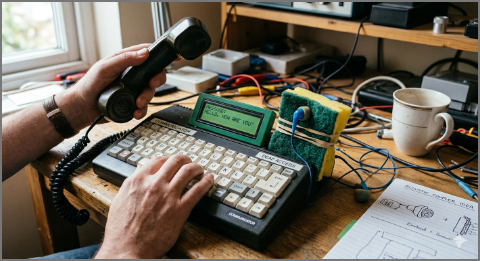
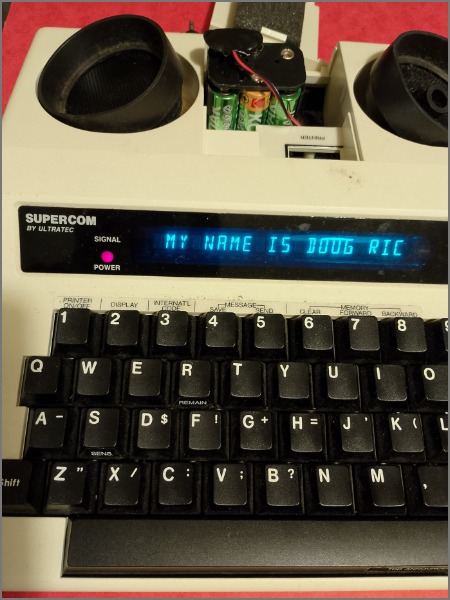
I brought this Ultratec Supercom, which dates from between about 1987 to 1994.
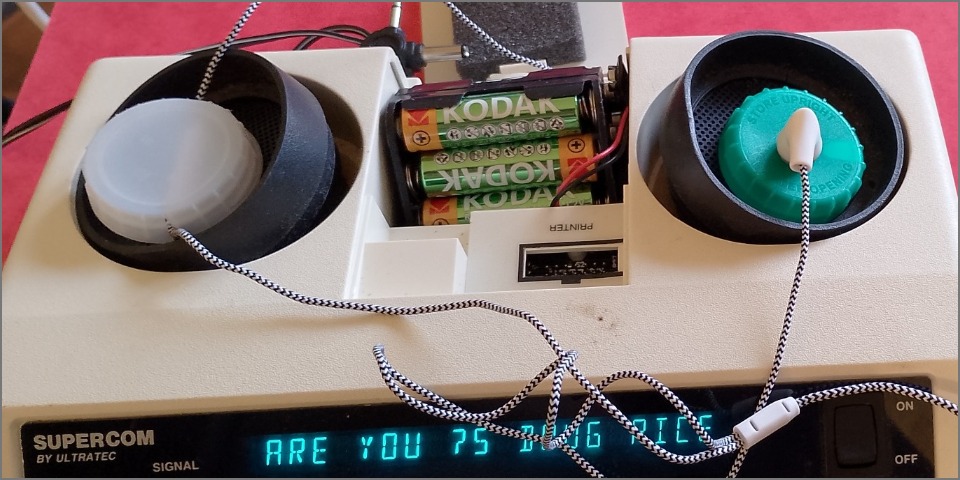
Can a web page, Web Audio, some cheap earbuds with microphone, and milk bottle tops work work? - Yes
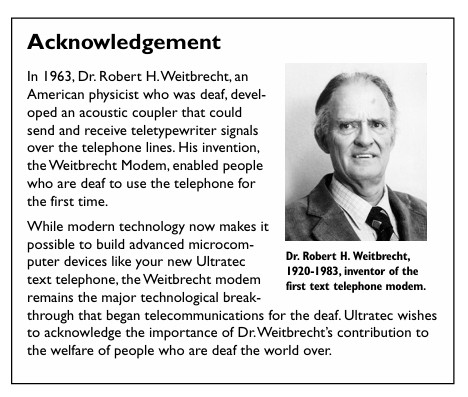
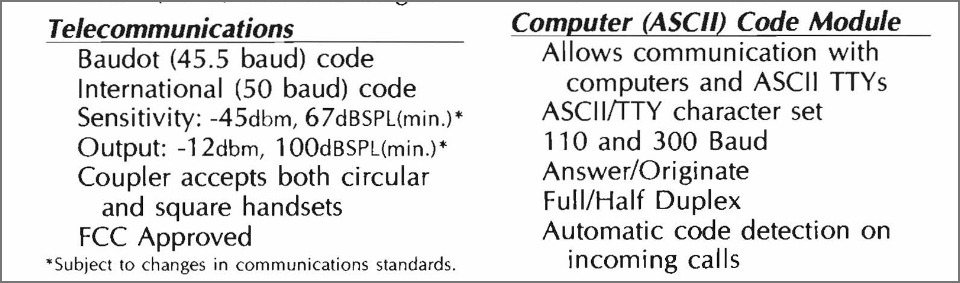
Ultratec manuals have:-
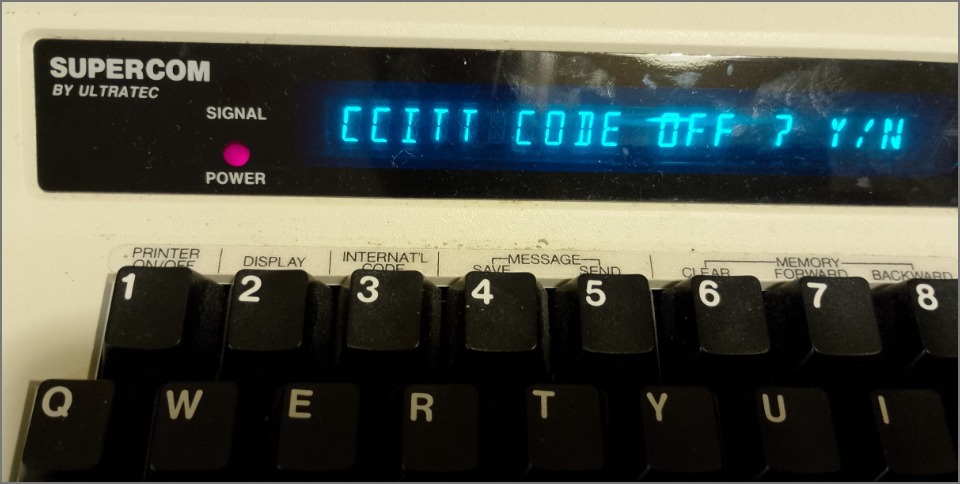
I brought this Ultratec Supercom, which dates from about 1987 to 1994
Ultratec have often adapted their TTY TDD over the years. This site has manuals for minicom III and Superprint 200. more information support and manual for later model support and manual for later model
It uses acoustic couplers. You dial the numbers on the phone and place the handset on the rubber cups.
Can a web page, Web Audio, some cheap earbuds with microphone, and milk bottle tops work work? - Yes
This page can encode some text and the Ultratec Supercom decodes the audio.
When I plugged in some earbugs with a microphone, into my laptop, this page can decode the output from my Ultratec Supercom Textphone using BAUDOT.
It seems that Web Audio and earbuds only supports HALF-DUPLEX. If you open this page twice on the laptop, it is observed that the mic is muted when it squarks. So this page cannot listen to itself, and it is unlikely it can use DUPLEX which CCITT V.21 uses. It is possible to use Web Audio to generate V.21 squarks, and see it displayed on the Ultratec Supercom.
When you turn it on, the Ultratec Supercom uses BAUDOT @ 45.45 BAUD, which uses HALF-DUPLEX.
It is similar to the Ultratec Superprint 100 / 200
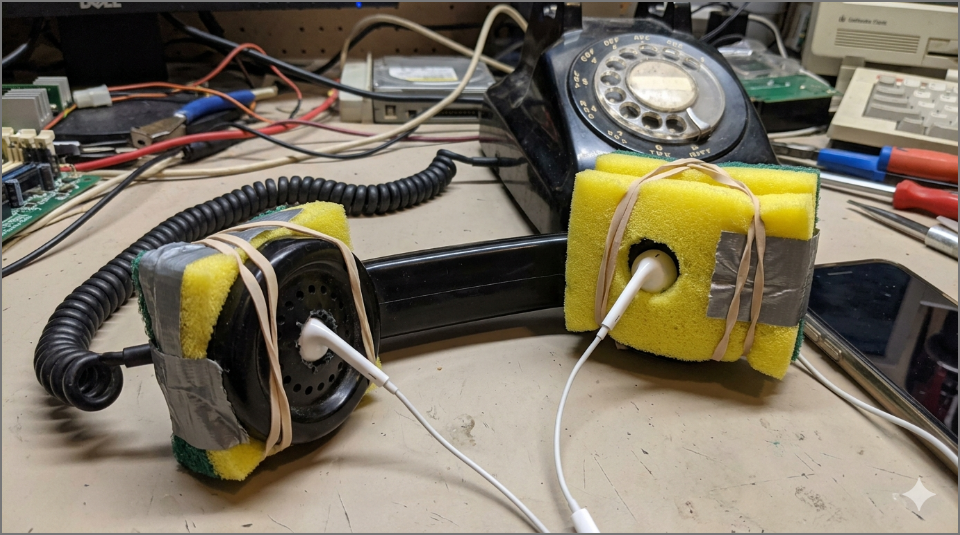
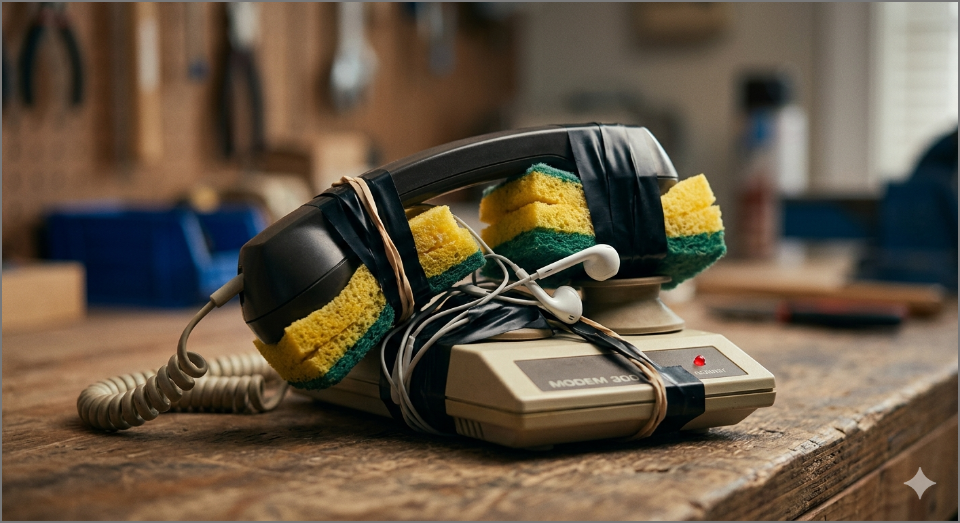
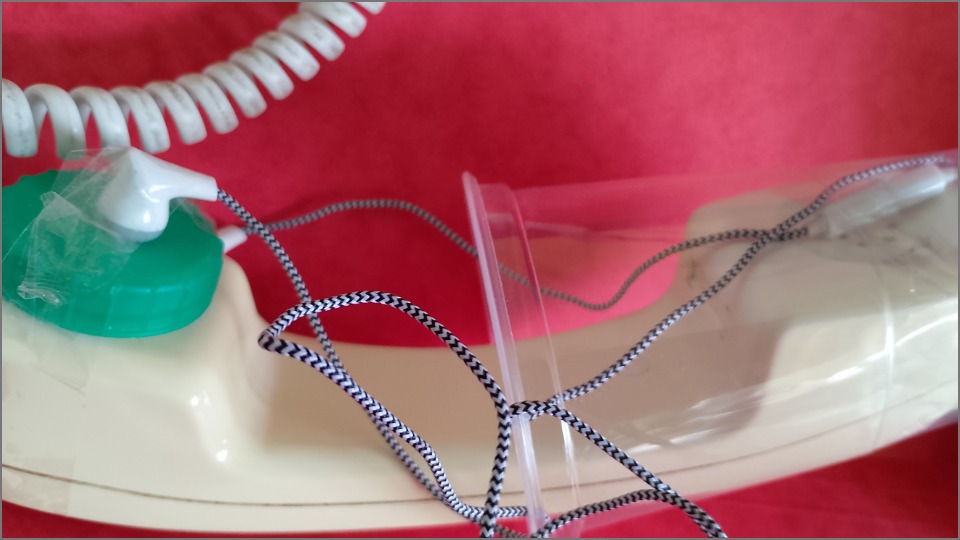
I taped some cheap earbuds with microphone to the handset of my PSTN phone
A plastic cup from a vending machine helped.
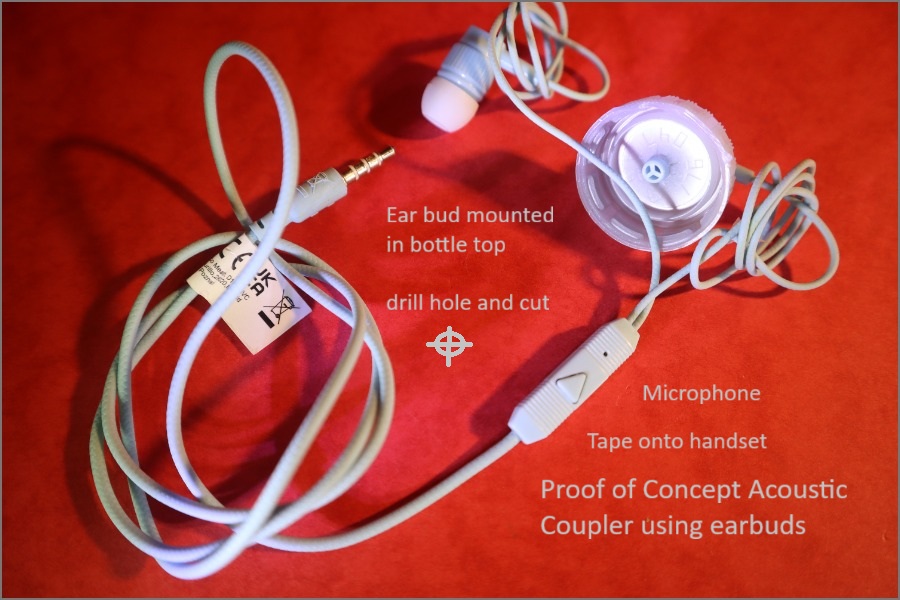
A proof of concept acoustic coupler using earbuds with a smartphone:
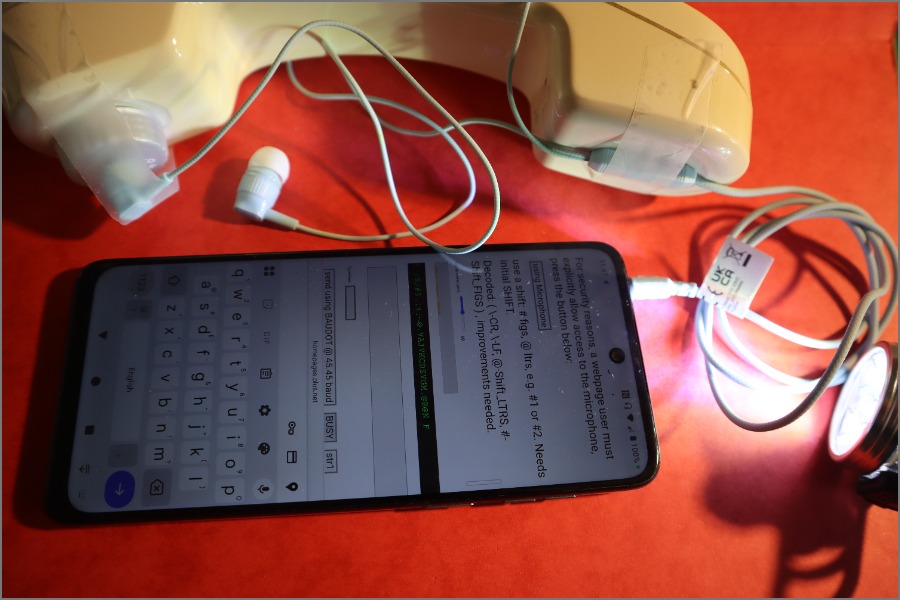
Mount the earbuds in a bottle top so it can be taped to a phone handset.
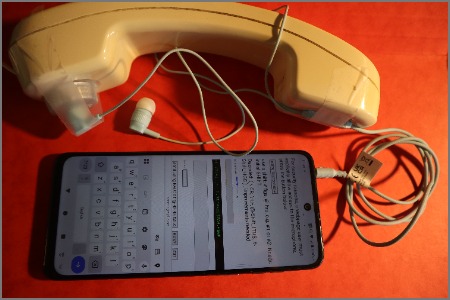
Using the Earbud Acoustic Coupler taped to a Converse 300 phone and plugged into a smart phone that is running this page in Chrome. The keyboard fills the half the screen!
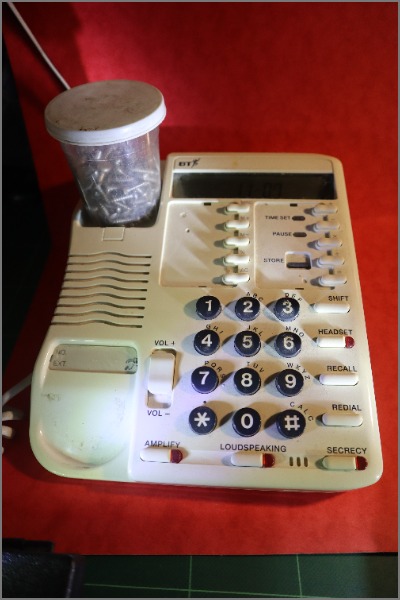
Use a weight to hold down the hook switch, to hang up.
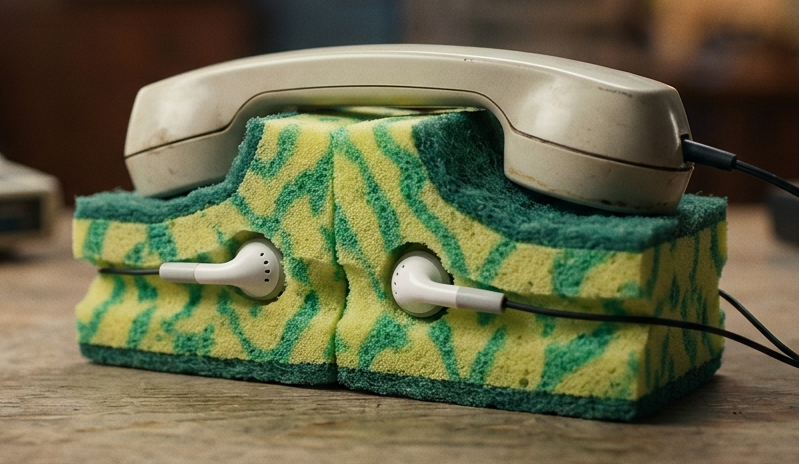
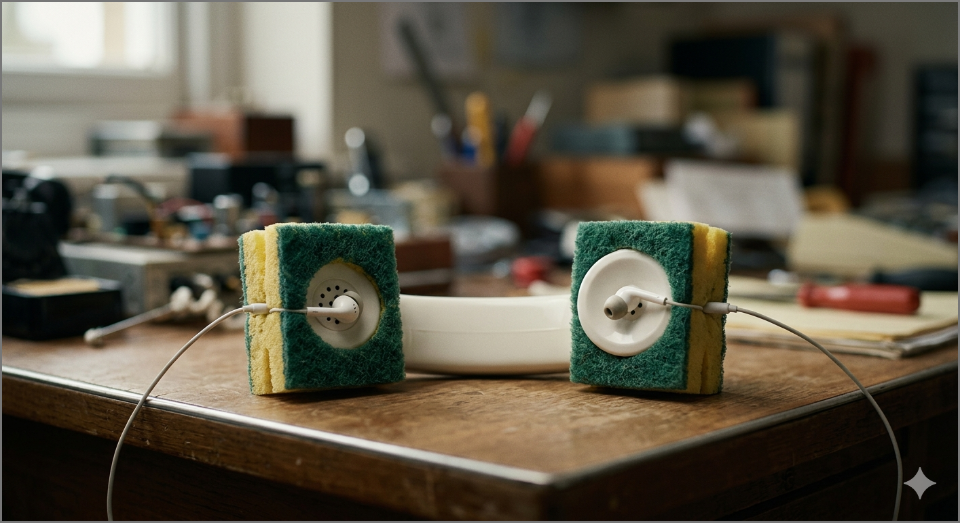
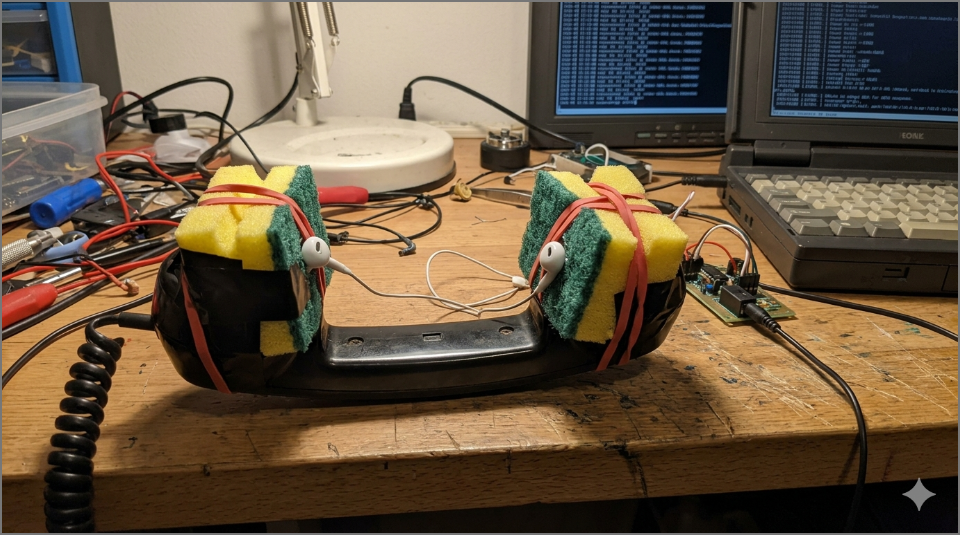
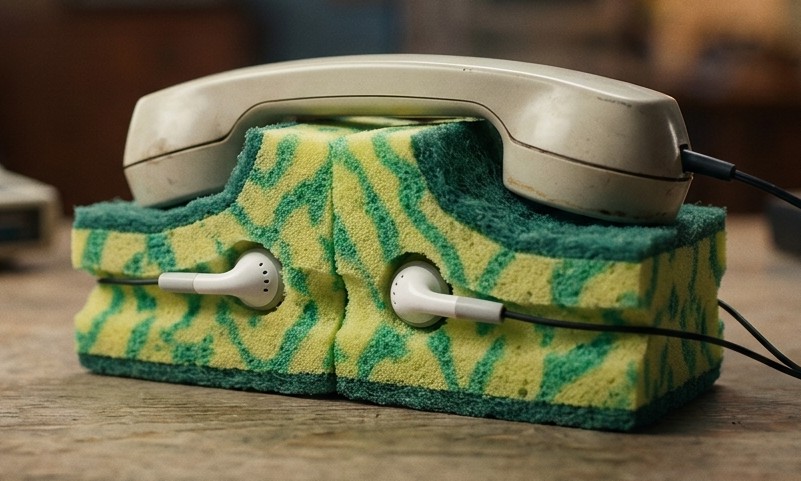
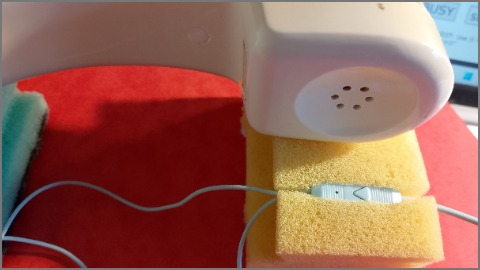
A simpler "proof of concept" acoustic coupler could use two foam washing up pads, to hold the ear bud and microphone
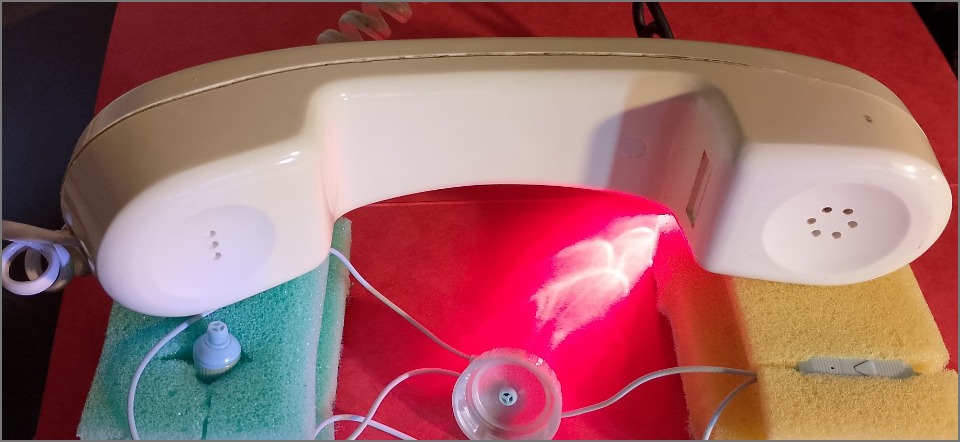
after dialling number on the phone, place the handset on the foam pads that
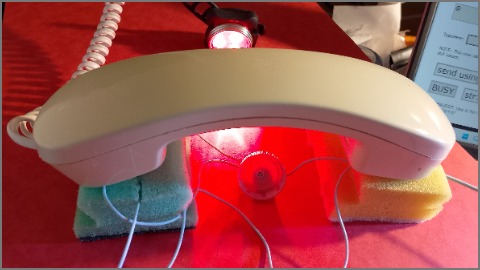
Cut a slot in the foam pads to hold the microphone.
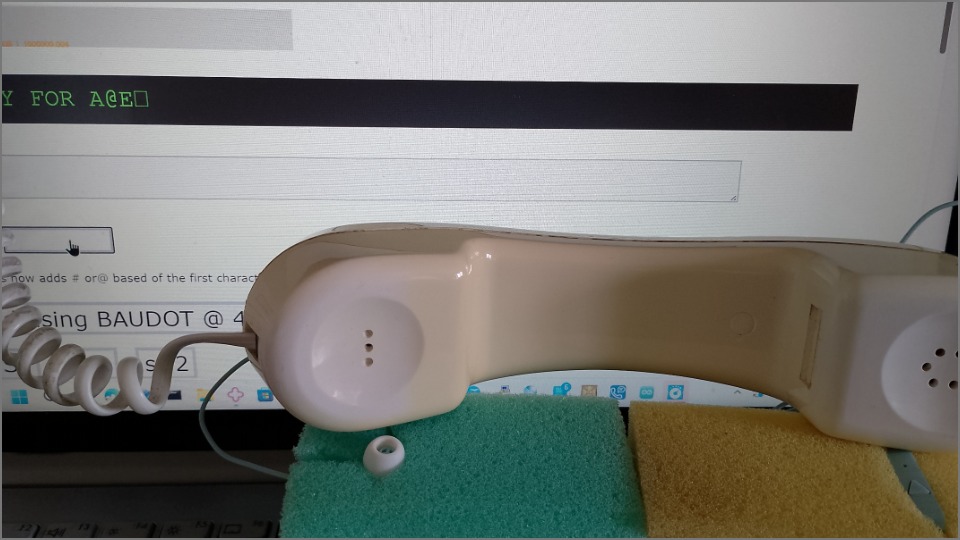
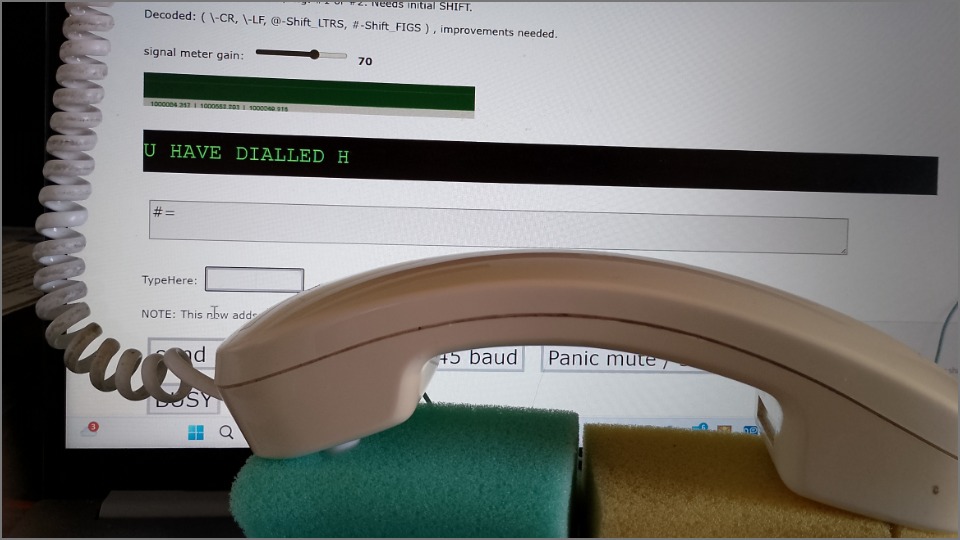
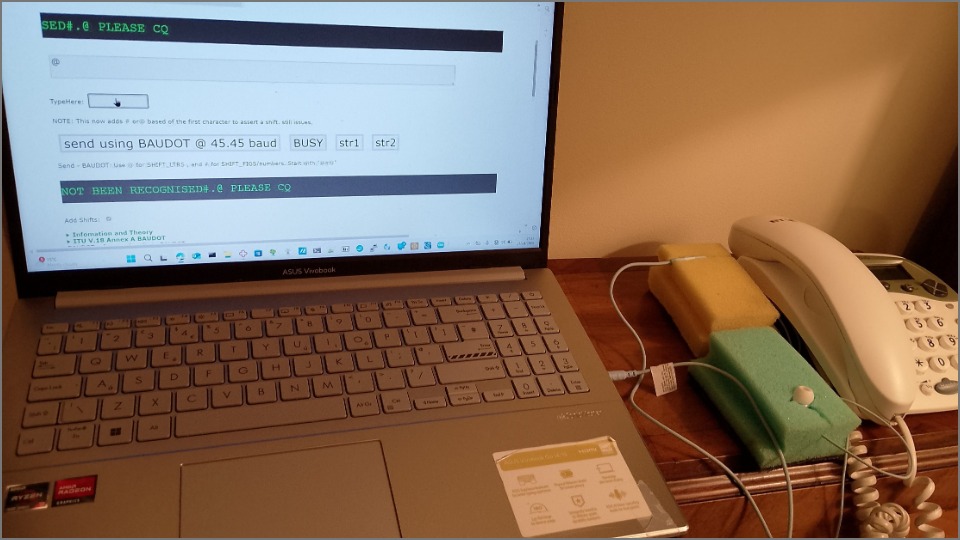
This picture shows the ear buds plugged ito my laptop. The two washing up sponges, next to the phone, hold the transducers in place. Dial the call on the phone, and place the handset on the washing up pads so that the transducers are held against it. It was possible to dial the Helpdesk number and check my Textnumber.
NOTE: I could only get Webaudio to work for BAUDOT, which is Half-Duplex. I do not think it will be possible to get V.18 DUPLEX to work.
I dialled the access number and can hear modem beeps, so I press a key to send BAUDOT
It types out the welcome message and asks for 1 or 2
I had to press # to send SHIFT-FIGS before the 1 or 2
( I added a # or @ to force a shift based on the first char )
The service responds, and I hang up.
When typing in single characters, it does not remember and does not send shift
Maybe it needs to force a shift based on the character typed.
I can also use a headset with boom microphone, held againt the Ultratec Supercom or PSTN phone handset. This is fiddly.
NOTE: Use HTTPS - getUserMedia() is a powerful feature that can only be used in secure contexts;
you needs two devices. The mic on the ear bud seems to be muted during output.
For security reasons, a webpage user must explicitly allow access to the microphone, press the button below:
use a shift: # figs, @ ltrs, e.g. #1 or #2. Needs initial SHIFT.
Decoded: ( \-CR, \-LF, @-Shift_LTRS, #-Shift_FIGS ) , improvements needed.
signal meter gain: 50
decoded BAUDOT picked up by microphone
TypeHere:
NOTE: This now adds # or@ based of the first character to assert a shift. still issues.
Send - BAUDOT: Use @ for SHIFT_LTRS , and # for SHIFT_FIGS/numbers. Start with "@#@"
decoded BAUDOT picked up by microphone
BAUDOT codes found
Add Shifts:
Infomation and Theory
This WebAudio sample trys to decode BAUDOT modem, using a ScriptProcessor. It's necessary to use a ScriptProcessor in order to not miss any clipping samples - otherwise you could implement this using a RealtimeAnalyser to only grab samples when necessary.
The usage is quite easy:
var meter = createAudioMeter(audioContext,clipLevel,averaging,clipLag);

[ mic ] -+--[ iir filter ]--[ mark energy  ]--+ [ comparator ]--[ UART ]--[code]
         \--[ iir filter ]--[ space energy ]--/

 mark 1400Hz, space 1800Hz, serial --_12345-- UART to codes --

audioContext: the AudioContext you're using.
meter.checkClipping();
returns true if the node has clipped in the last clipLag milliseconds.
meter.shutdown();
used to destroy the node (it's important to disconnect and remove the event handler for any ScriptProcessor).
Copied from the source on Github and V.21 | and V.18 | good examples | Mozilla WebAudio Analyser | Microsoft WebAudio | getUserMedia | /* https://developer.mozilla.org/en-US/docs/Web/API/MediaDevices/getUserMedia getUserMedia() is a powerful feature that can only be used in secure contexts; in insecure contexts, navigator.mediaDevices is undefined, preventing access to getUserMedia(). A secure context is, in short, a page loaded using HTTPS or the file:/// URL scheme, or a page loaded from localhost. */
I would like to use the microphone on the plugged in earbuds. this page is only using the microphones on the screen
media recorder example - using Using the MediaStream Recording API seems to be using the ear bud mic, but I cannot work out why.
I can use one device to send to another. This is very sensitive to the air path between them. My headphones microphone can be used.
ITU V.18 Annex A BAUDOT
A.1 Mode of operation
The 5-bit mode is defined in ANSI TIA/EIA-825 (2000), A Frequency Shift Keyed Modem for use on the Public Switched Telephone Network. The communication channel is half-duplex with no channel turnaround. Carrier is transmitted 150 ms before the first character is transmitted. The receiver shall be disabled for 300 ms when a character is transmitted to mitigate false detection of echoes (in non-V.18 devices, the carrier may remain for up to 1 s after the last character to provide this same function).
A.2 Modulation
The modulation is frequency shift-keyed modulation (i.e. no carrier is present when a character is not being transmitted) using 1400 Hz ( ±5% ) for a binary 1 and 1800 Hz ( ±5% ) for a binary 0. A bit duration of either 20 or 22.00 ± 0.40 ms is used providing either a nominal data signalling rate of 50 or 45.45 bits/s respectively.
BAUDOT decodes
shifted
FIGS, LTRS
BAUDOT codes found